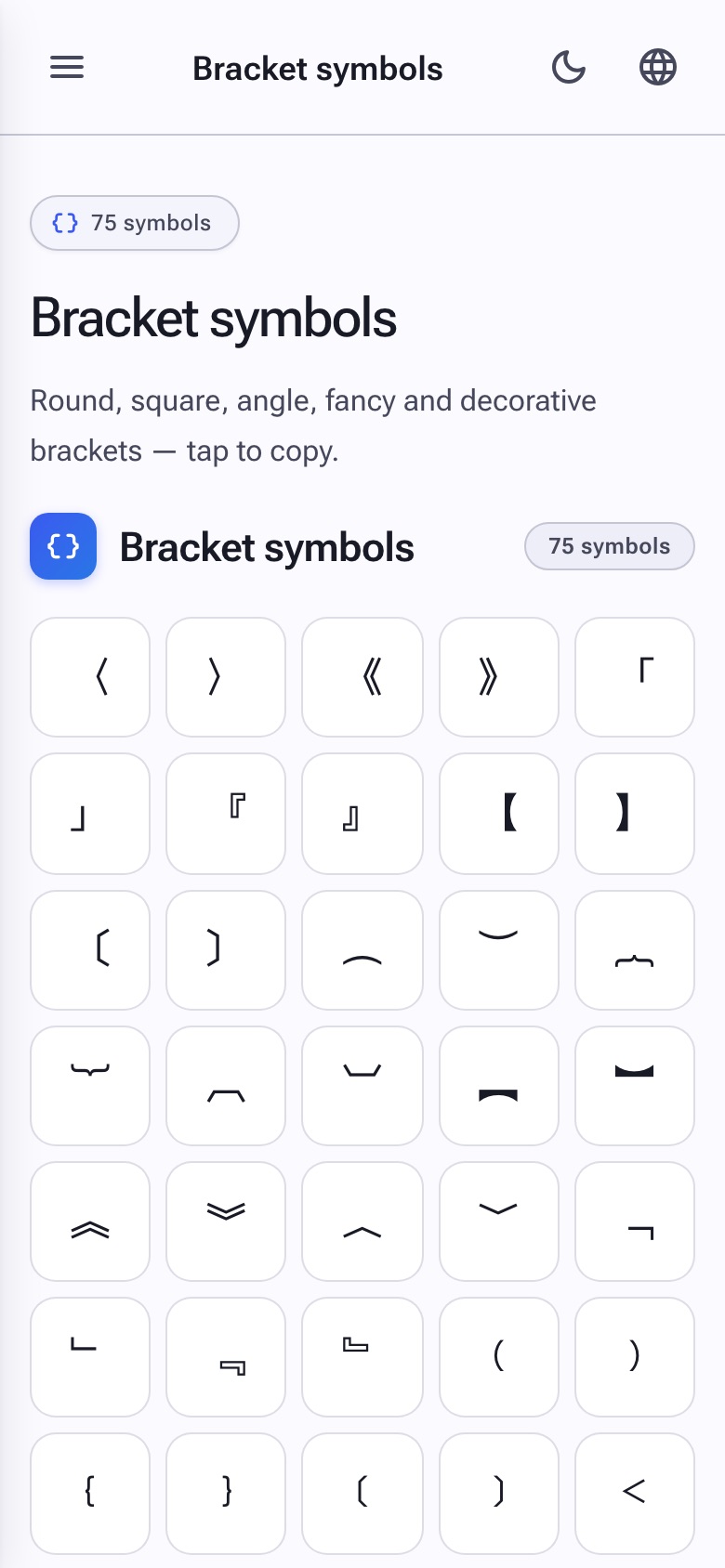
From the everyday ( ) [ ] { } to fancy 「 」 『 』 【 】 and decorative ⟦ ⟧ ⦃ ⦄, Copy Symbols collects every Unicode bracket you can copy and paste. Wrap a username, mark an aside, or build a frame around your text.
Brackets are surprisingly versatile design elements. The right pair can highlight a keyword, mimic a chat tag or give a username an instant aesthetic.
✨ Why use our bracket picker?
Round, square, curly, angle
All the basics plus rarely-seen options like ⟨ ⟩ ⟪ ⟫ ⌈ ⌉ ⌊ ⌋.
Decorative & CJK
Japanese 「 」, 『 』, 【 】, 《 》 add immediate aesthetic appeal.
One-tap copy
Tap the bracket you want. No need to copy the pair separately.
Compatible everywhere
Plain Unicode brackets work on every modern app and OS.
🚀 How to use bracket symbols
-
1
Choose a bracket family
Round, square, angle, curly or one of the decorated sets.
-
2
Tap to copy each side
Copy the opening, paste it, then come back and copy the closing.
-
3
Wrap your text
Drop your word or username between the two brackets.
📍 Stylish ways to bracket text
- Usernames: 【 username 】, 「 username 」 and ⟦ username ⟧ add personality.
- Section labels in bios: [news] [shop] [contact] segment a profile cleanly.
- Chat tags: Mimic the [TAG] convention from Discord and IRC nicknames.
- Citations: Use 〘 〙 to set apart quoted material in posts.
❓ Bracket symbols FAQ
Why are there so many bracket types?
Different scripts and traditions evolved their own bracket conventions. Unicode preserves them so designers and writers have a wide palette.
Are decorative brackets safe to use in usernames?
Mostly yes. A handful of platforms restrict certain characters in names, but Japanese 「 」 and 【 】 are widely accepted.
Can I use these in code?
Only the standard ( ) [ ] { } are valid in programming languages. The decorative ones are for text only.