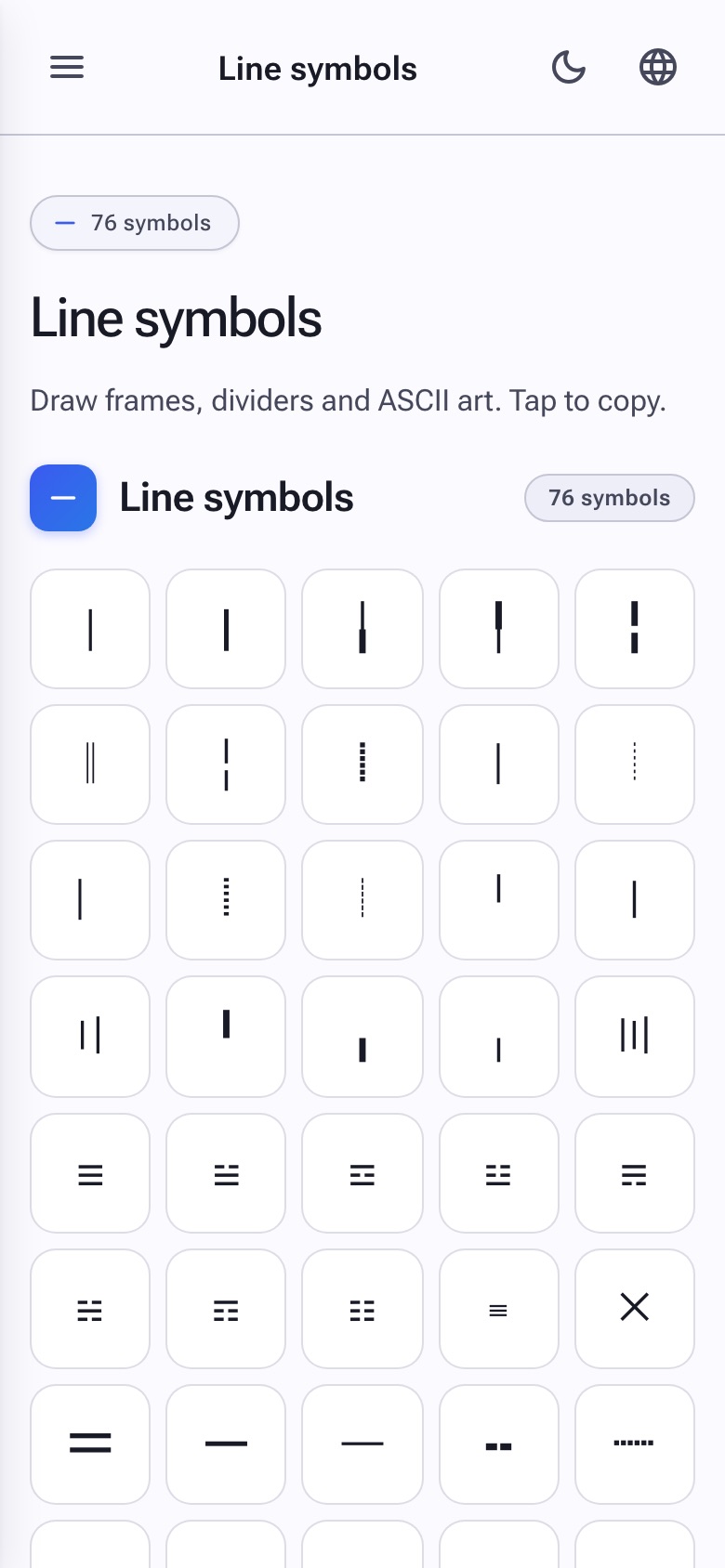
Line symbols — also called box-drawing characters — are the secret sauce behind text-based borders, frames, dividers and ASCII art. Copy Symbols collects every Unicode line ─ ━ │ ┃, double ═ ║, dashed ┄ ┊ and decorative variant. Tap to copy and assemble.
Use them to draw decorative dividers in profile bios, frame ASCII art, build retro README files or just add a subtle decorative break.
✨ Why line symbols are useful
Single, double & heavy
Match the weight of your text for borders that feel intentional.
Dashed & dotted
Add texture to a divider when a solid line is too much.
🚀 How to draw with line symbols
-
1
Pick your line weight
Single ─, heavy ━ or double ═ — match the visual weight you need.
-
2
Copy a few in a row
Repeat the same line to stretch it out: ────────.
-
3
Frame your text
Combine with corners and verticals to build a complete box.
📍 What to do with line symbols
- Profile dividers: ─────── breaks up sections of an Instagram or Twitch bio.
- ASCII art: Build retro frames around quotes and announcements.
- Console output: Decorate CLI tools and READMEs without screenshots.
- Email signatures: A subtle ═══ separates your name from disclaimers.
❓ Line symbols FAQ
Will my ASCII frame line up on every device?
Mostly yes — but proportional fonts (used in most chat apps) can throw spacing off. Use monospace contexts (Discord code blocks, terminals, GitHub READMEs) for pixel-perfect alignment.
Where are the corner pieces?
They live under cool borders, combined with line glyphs for full frame building.